FAST AIAG-VDA FMEA Software

Identify, Prioritize and Reduce Every Risk

FAST FMEA Software helps design, quality and manufacturing teams in Pune and across India identify potential failure modes, analyze their effects and causes, determine Action Priority, and track risk-reduction actions in one connected system.
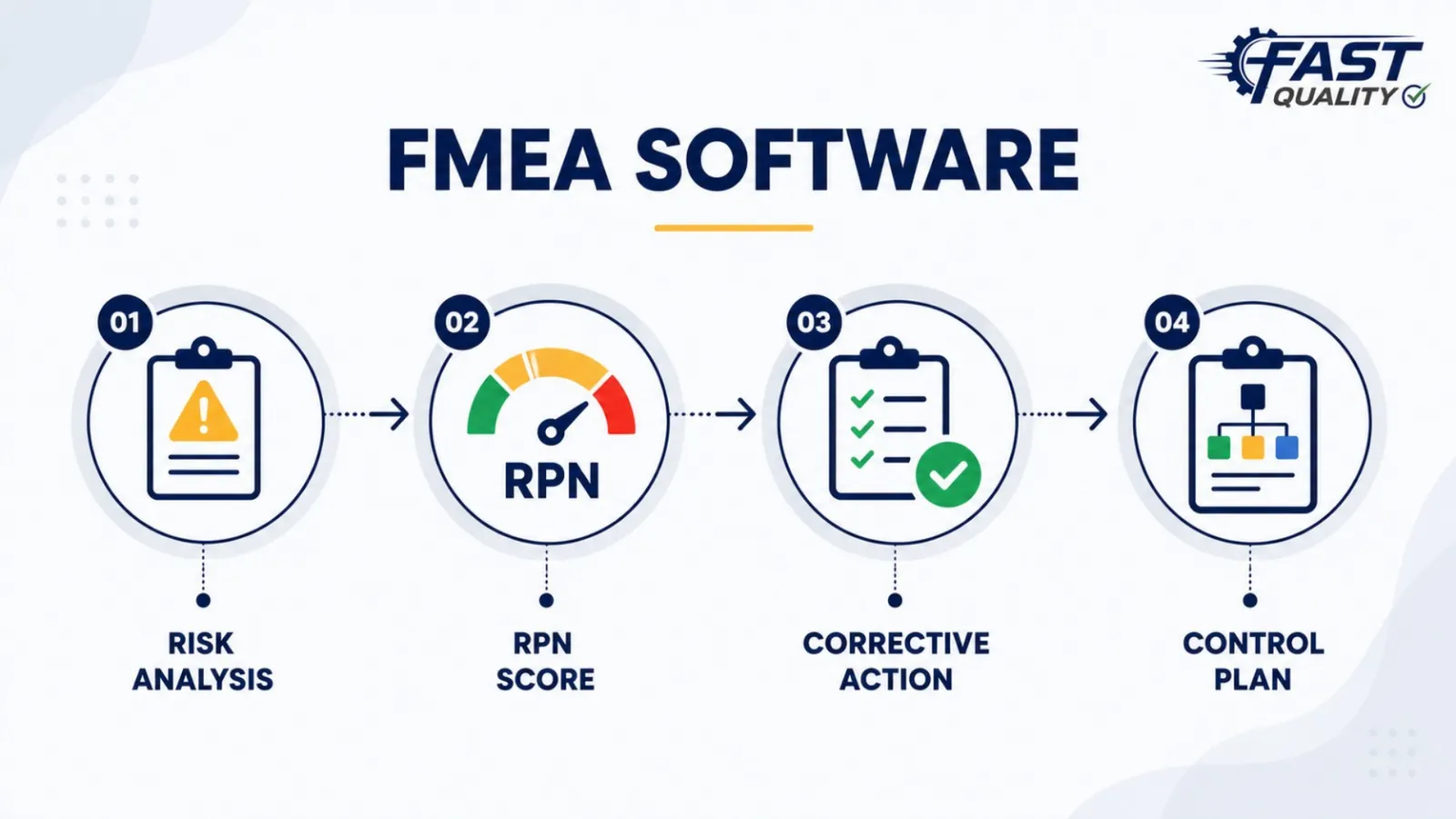
FAST FMEA Software dashboard for failure mode analysis and Action Priority tracking
At a Glance

The Complete FMEA Picture in Three Blocks

Understand the core FAST FMEA Software offering before exploring its detailed capabilities below.
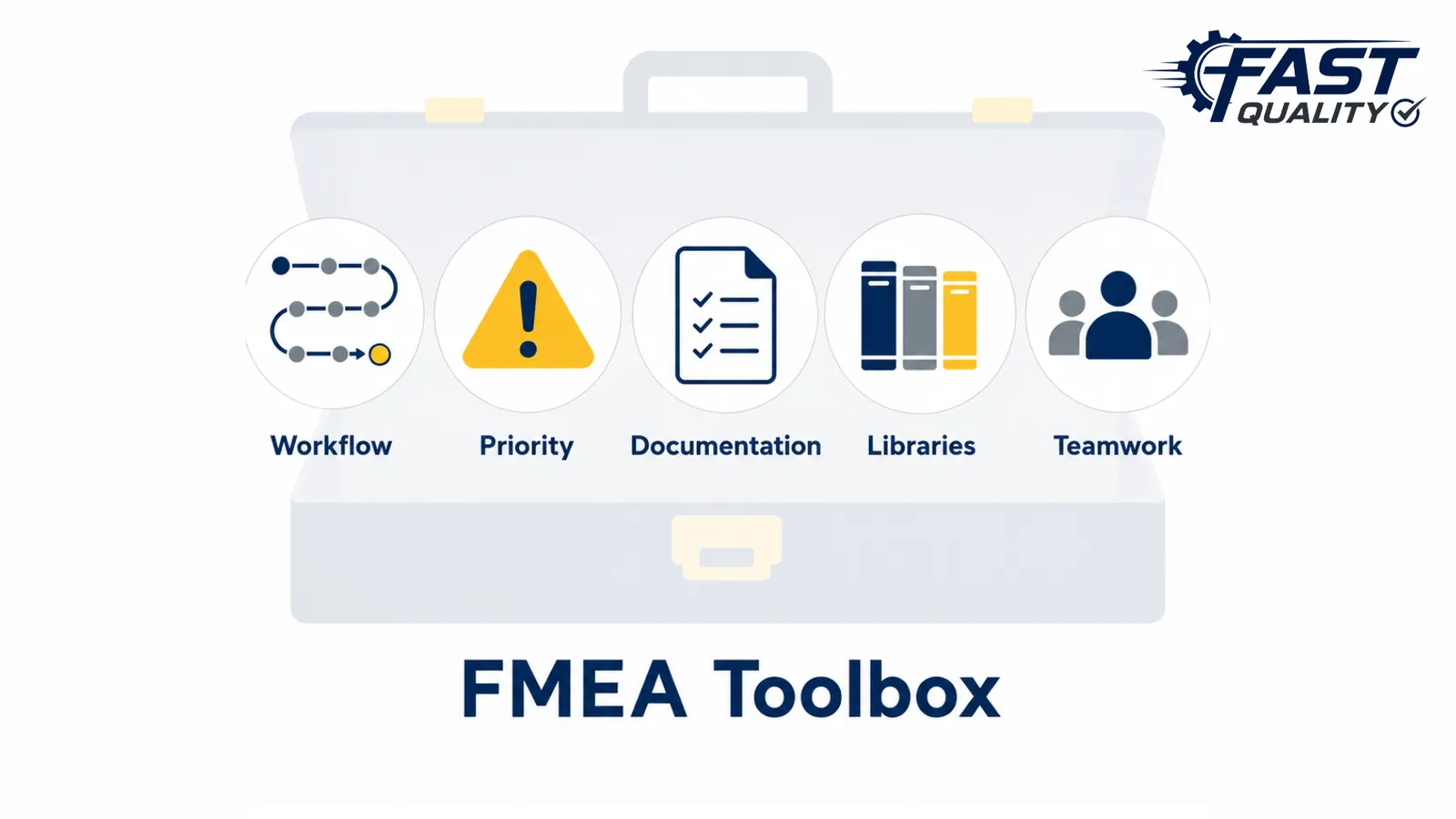
At a glance: key FMEA software features including workflow, Action Priority and libraries

Key Software Features

Follow the AIAG-VDA seven-step workflow, calculate Action Priority, manage revisions, monitor actions, reuse libraries and collaborate in real time.
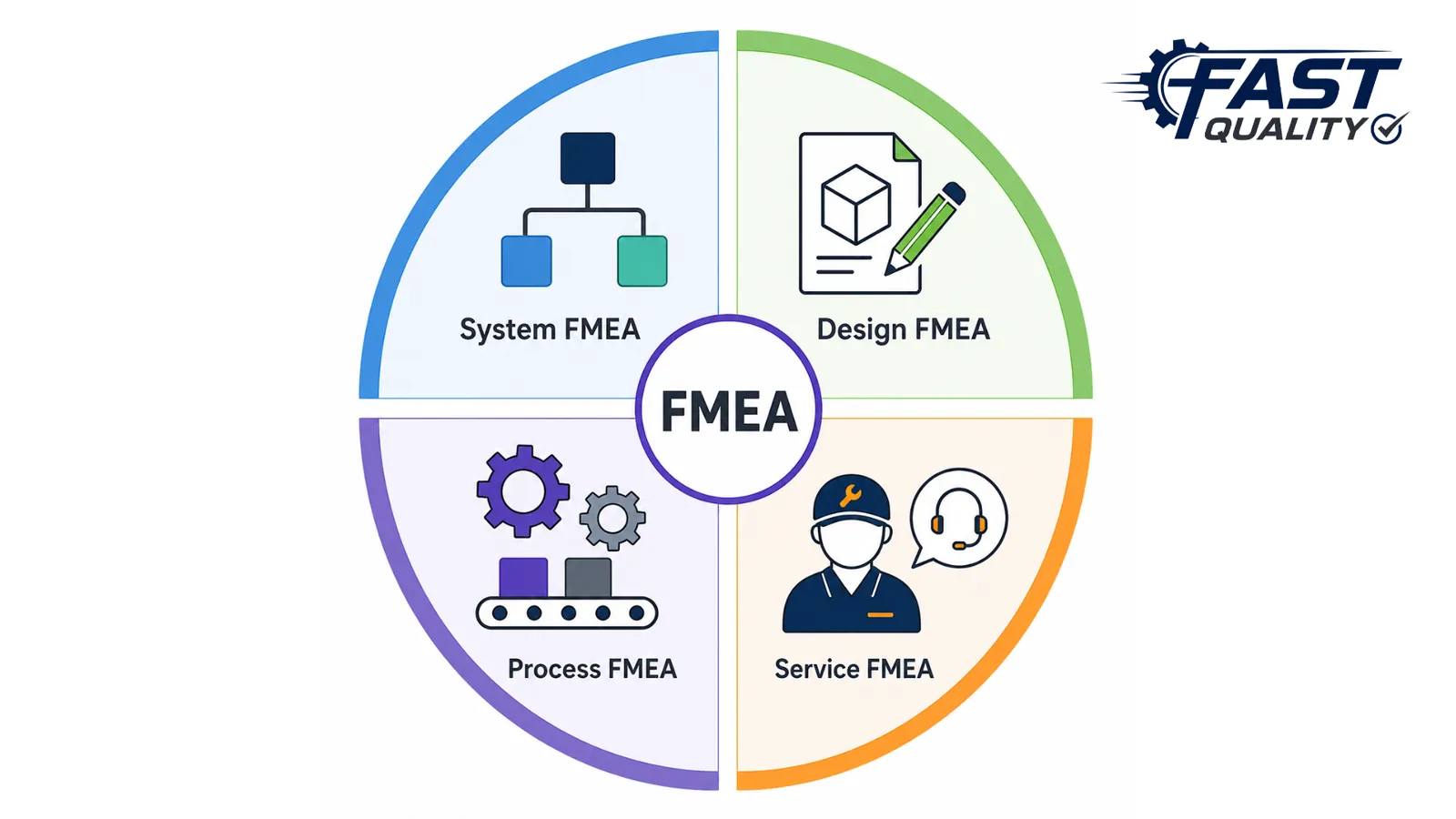
At a glance: System FMEA, Design FMEA, Process FMEA and Service FMEA types

Types of FMEA

Create and manage System FMEA, Design FMEA, Process FMEA and Service FMEA through one structured digital system.
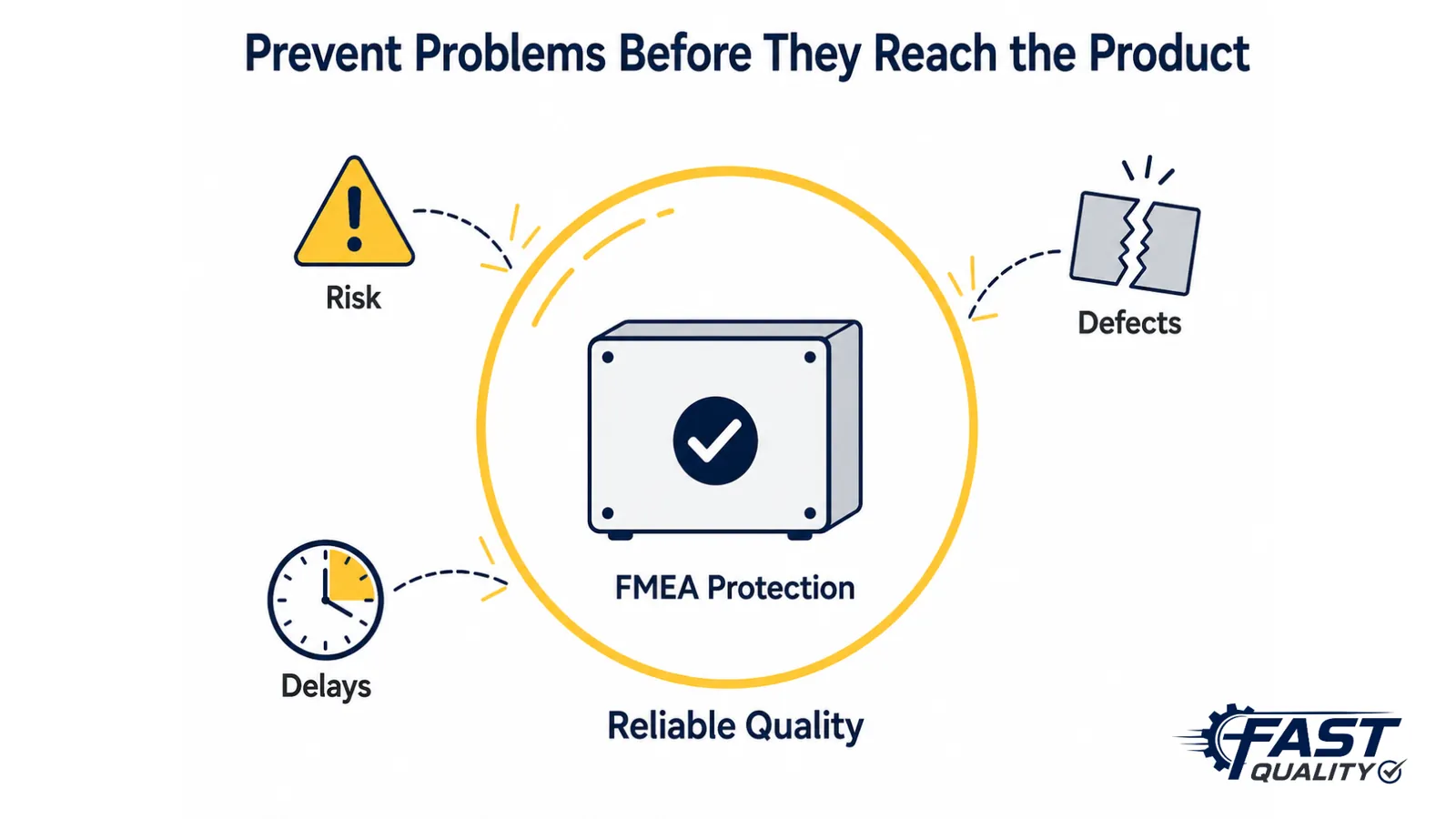
At a glance: benefits of FMEA software for risk reduction and reliability

Main Benefits

Mitigate risks, improve reliability and safety, reduce rework and delays, support confident decisions and deliver quality products on time.

What Is FMEA Software?

Turn Potential Failures Into Preventive Action

Failure Mode and Effects Analysis, or FMEA, is a structured method used to identify how a product, process, system or service could fail. It helps teams understand the possible effects and causes of each failure mode, then define the controls needed to reduce the risk before it reaches operations or customers.

FAST FMEA Software brings this complete analysis into one digital system. Teams can document failure risks, evaluate Severity, Occurrence and Detection, determine Action Priority, assign improvement actions and maintain controlled FMEA records throughout the product and process lifecycle.
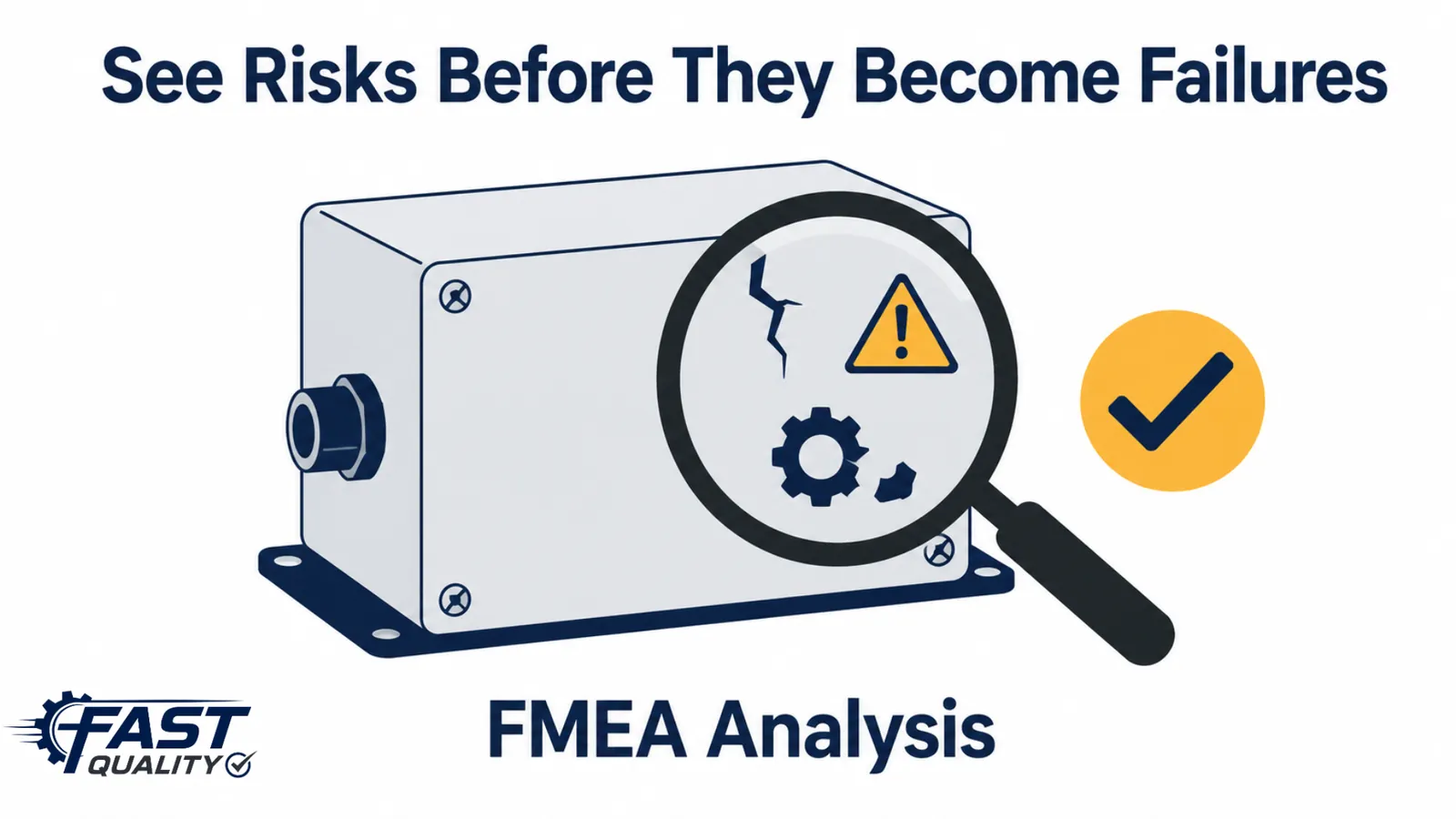
Core Message
Identify risks early, prioritize the right actions, and prevent failures before they reach the customer.
Explanation of FMEA software connecting failure modes, effects, causes, controls and actions
Key Features

Manage the Complete FMEA Lifecycle in One System

FAST FMEA Software helps teams create, evaluate, update and improve FMEAs through a structured and collaborative digital workflow. It supports the complete AIAG-VDA seven-step method, while making it easier to reuse approved knowledge and keep every risk-reduction action visible.

Teams can manage System FMEA, Design FMEA, Process FMEA and Service FMEA, calculate Action Priority, control revisions and connect FMEA information with APQP and PPAP activities for consistent product and process planning.

AIAG-VDA seven-step FMEA workflow from planning to results documentation
System FMEA, Design FMEA, Process FMEA and Service FMEA
Severity, Occurrence, Detection and Action Priority evaluation
Predefined FMEA libraries for functions, failure modes, effects, causes and controls
Action plans, target dates, status monitoring and revision control
Customer-specific formats, real-time collaboration, APQP and PPAP integration
Core Message
Standardize the method, reuse existing knowledge, and keep every risk and action visible.

This section covers the core software capabilities. The operational and business benefits are explained in the next section.
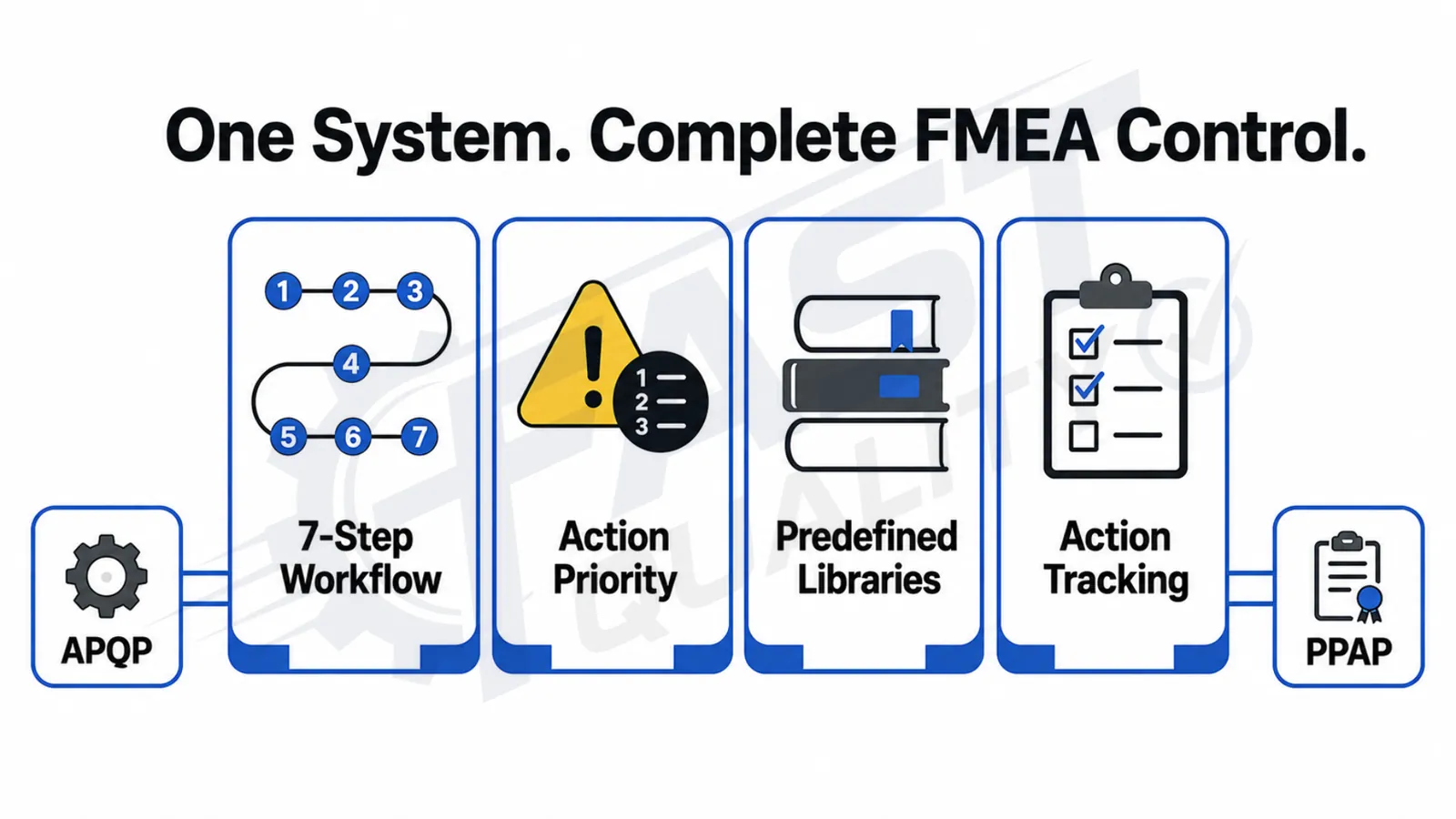
Key features of FAST FMEA Software including AIAG-VDA workflow and Action Priority
Benefits of FAST FMEA Software

Prevent Problems Early and Build More Reliable Outcomes

FAST FMEA Software helps teams move from reactive problem-solving to structured risk prevention across products, processes, systems and services. By identifying possible failures early, teams can introduce preventive controls before issues affect operations, safety, delivery or customers.

Structured risk evaluations and Action Priority help teams focus resources on the most important concerns. This improves reliability, reduces rework and delays, supports lead-time improvement and helps organizations deliver consistent quality with greater confidence.
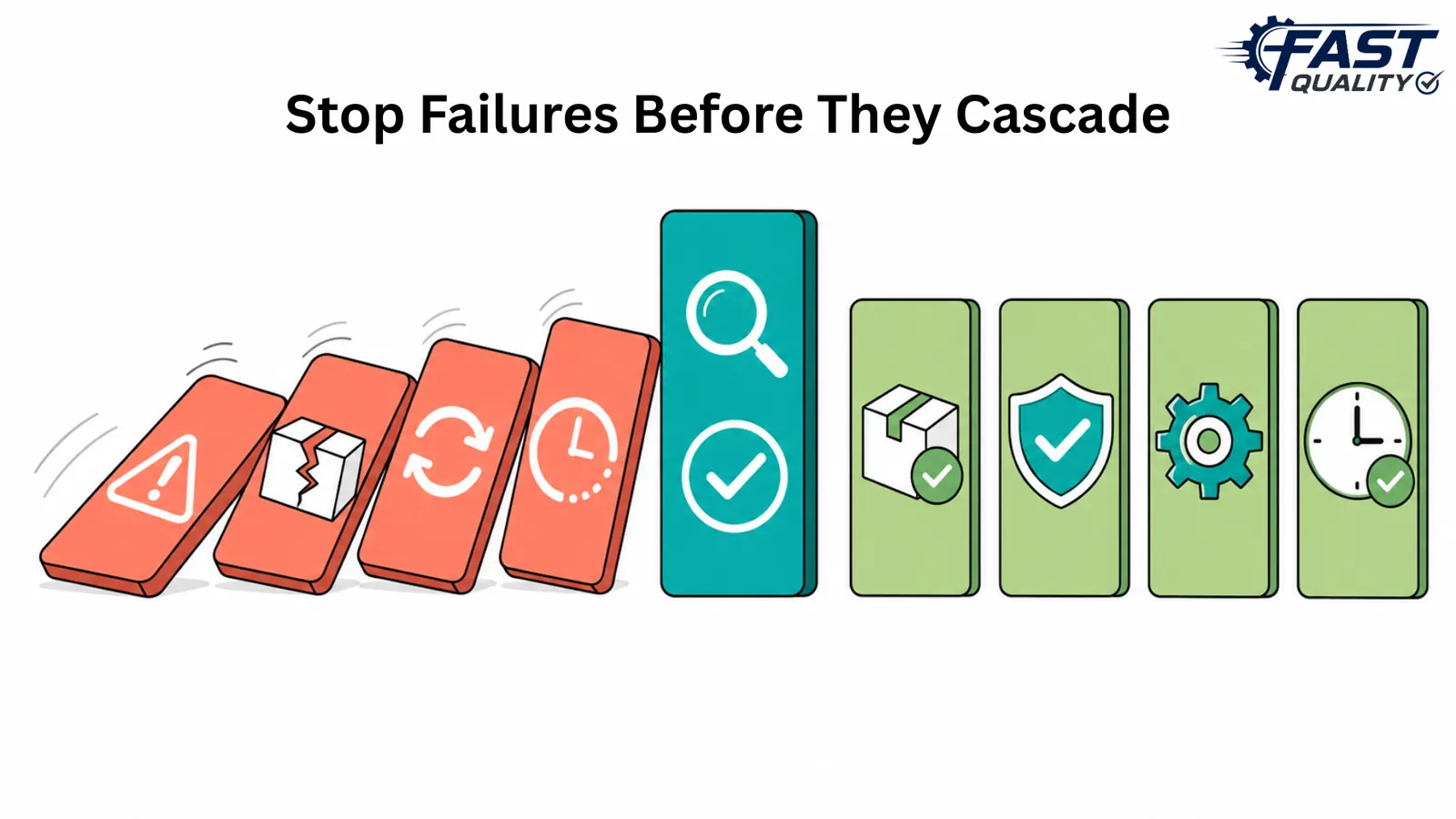
Mitigate risks before they affect operations or customers
Improve product and process reliability during planning and development
Make confident decisions using structured risk evaluations and Action Priority
Enhance safety by recognizing critical failure effects early
Reduce rework, repeated corrections, production interruptions and late deliveries
Meet customer expectations and deliver quality products on time
Core Message
Reduce risk early, improve reliability, and deliver consistent quality with greater confidence.
Benefits of FAST FMEA Software for risk mitigation reliability safety and quality delivery
Frequently Asked Questions

Common Questions About FAST FMEA Software

FMEA software is a digital system used to identify potential failure modes, analyze their effects and causes, evaluate risk, document controls, and manage preventive or risk-reduction actions.
Yes. FAST FMEA Software supports the structured seven-step AIAG-VDA FMEA methodology from planning and preparation through results documentation.
The software supports System FMEA, Design FMEA, Process FMEA and Service FMEA through one structured digital system.
The software uses Severity, Occurrence and Detection ratings to determine the appropriate Action Priority for each identified risk.
Yes. Predefined FMEA libraries allow teams to reuse approved functions, failure modes, effects, causes and controls while preparing new FMEAs.
Yes. Teams can assign responsibilities, define target dates, monitor action status and track risk-reduction activities through completion.
Yes. FAST FMEA Software supports controlled FMEA documents, revisions, updates and historical records.
Yes. FMEA information can be connected with APQP and PPAP activities to support consistent product and process quality planning.
Yes. FAST FMEA Software is suitable for manufacturing, automotive, engineering and quality teams in Pune, Maharashtra and across India that need structured risk prevention.
Ready to Strengthen Your Risk Prevention?

Bring Risk Analysis, Prioritization and Action Follow-Up Into One Connected System

See how FAST FMEA Software can help your teams identify potential failures, evaluate effects and causes, calculate Action Priority, manage preventive actions and maintain controlled FMEA revisions from one platform.

Chat with us